REFERENCE
- Gallery page: https://magpui.com/en/i/file-deletion-with-inline-undo-b9625d
- First frame (image): https://dnioievkvxejjbxgwvko.supabase.co/storage/v1/object/public/media/file-deletion-with-inline-undo-b9625d/shot.jpg
- Clip (mp4): https://dnioievkvxejjbxgwvko.supabase.co/storage/v1/object/public/media/file-deletion-with-inline-undo-b9625d/clip.mp4
- Original post: https://x.com/dev_ya/status/2112214139825471908 by @dev_ya
Before building, download the first frame and look at it. If ffmpeg is available, download the clip and extract frames (ffmpeg -i clip.mp4 -vf fps=2 frame-%02d.png), then study the motion frame by frame. Match what you see; the text below describes it, the frames are the truth.

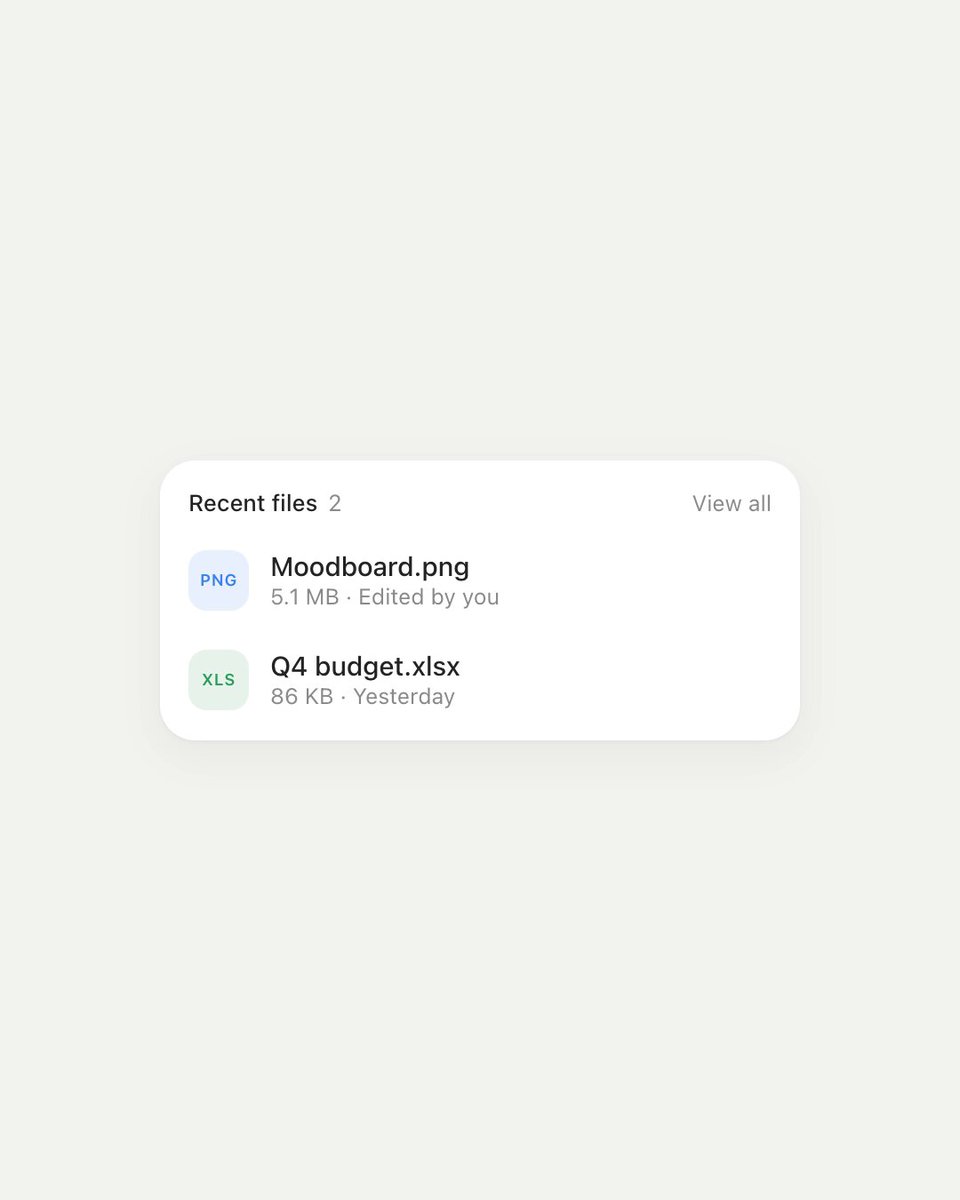
BUILD: Build only a compact recent-files card with reversible inline deletion. Four lightweight file rows sit inside a white card. Hover exposes a trailing trash control; activating it replaces that row with a dark rounded undo strip, with recovery and final confirmation anchored near the original button. Removing a file collapses its space and updates the header count.

DESIGN SYSTEM: Target a 320px-wide card with 16px padding, 18px outer corners, a soft 0 8px 24px #18201B0A shadow and no heavy border. Use an off-white #F0F3EE surrounding surface, white card, near-black #242824 text and muted #939A94 metadata. Header text is approximately 12px; file names 13px medium; metadata 11px regular in the existing neutral sans-serif. Rows are about 48px tall with 8px gaps. Each starts with a 28px pastel file-type tile: pale pink PDF, lavender design document, pale blue image and pale green spreadsheet. Draw these tiles and simple trash icons in code. The pending strip is charcoal #242A25 with 12px corners; its trailing Undo button is light gray, and the confirmation trash control has a muted red surface.

MOTION: Use these implementation timing targets, not claimed measured timings. On pointer hover or focus-within, reveal the trailing trash icon over 140ms using opacity, easing cubic-bezier(0.2,0.8,0.2,1). On initial delete, expand a dark background from the trailing control across the row over 280ms, easing cubic-bezier(0.22,1,0.36,1); fade the filename into a subdued pending label and reveal Undo over 160ms after an 80ms delay. On Undo, reverse that expansion over 240ms. On confirmation, fade and compress the pending row over 220ms, then let surrounding rows and the card height close the gap over 280ms with cubic-bezier(0.22,1,0.36,1). Change the small count with a 120ms crossfade. Avoid whole-card bouncing.

SECTIONS: Card header with Recent files, live count and View all action. Four keyed rows containing file-type tile, filename, size or edited-time metadata and hover/focus trash control. Pending-delete state contains a subdued filename, Undo and an explicit confirm-delete control in the same trailing area. Undo restores the original row and count. Confirm removes exactly that row; remaining rows keep their order. Disable conflicting actions during an exit.

IMPLEMENTATION: Use React with Motion layout animations and AnimatePresence so exiting content and sibling reflow remain synchronized. Keep reversible pending-delete state separate from committed removal; do not infer a timeout from the reference or add irreversible backend deletion. Use semantic list markup and real buttons with accessible names; expose controls on touch and keyboard focus as well as hover. Escape cancels a pending delete, Undo restores focus to the row control, and confirmation moves focus to the next surviving row. Announce committed removal and count changes via a polite live region. Under prefers-reduced-motion, replace expansion and collapse with immediate state changes and a short opacity fade. Animate transforms and opacity wherever possible; restrict layout animation to this small list and avoid continuous loops.

ADAPT TO THE PROJECT: Reuse the project's existing design tokens, components and fonts. Map these estimated colors to the closest existing tokens. Never copy logos, brand names, photos or illustrations from the original; use placeholder filenames and code-drawn file badges.

SUCCESS CHECK:
- Deleting one row reveals inline Undo and confirmation without moving the controls away from the original target.
- Undo restores the file; confirming removes only that file, closes the gap smoothly and updates the count.
- Every action works by keyboard and touch, has visible focus, and stays usable with reduced motion.