REFERENCE
- Gallery page: https://magpui.com/en/i/icon-menu-with-gradient-pills-517a72
- First frame (image): https://dnioievkvxejjbxgwvko.supabase.co/storage/v1/object/public/media/icon-menu-with-gradient-pills-517a72/shot.jpg
- Clip (mp4): https://dnioievkvxejjbxgwvko.supabase.co/storage/v1/object/public/media/icon-menu-with-gradient-pills-517a72/clip.mp4
- Original post: https://21st.dev/@minhxthanh/components/gradient-menu by minhxthanh
Before building, download the first frame and look at it. If ffmpeg is available, download the clip and extract frames (ffmpeg -i clip.mp4 -vf fps=2 frame-%02d.png), then study the motion frame by frame. Match what you see; the text below describes it, the frames are the truth.

BUILD
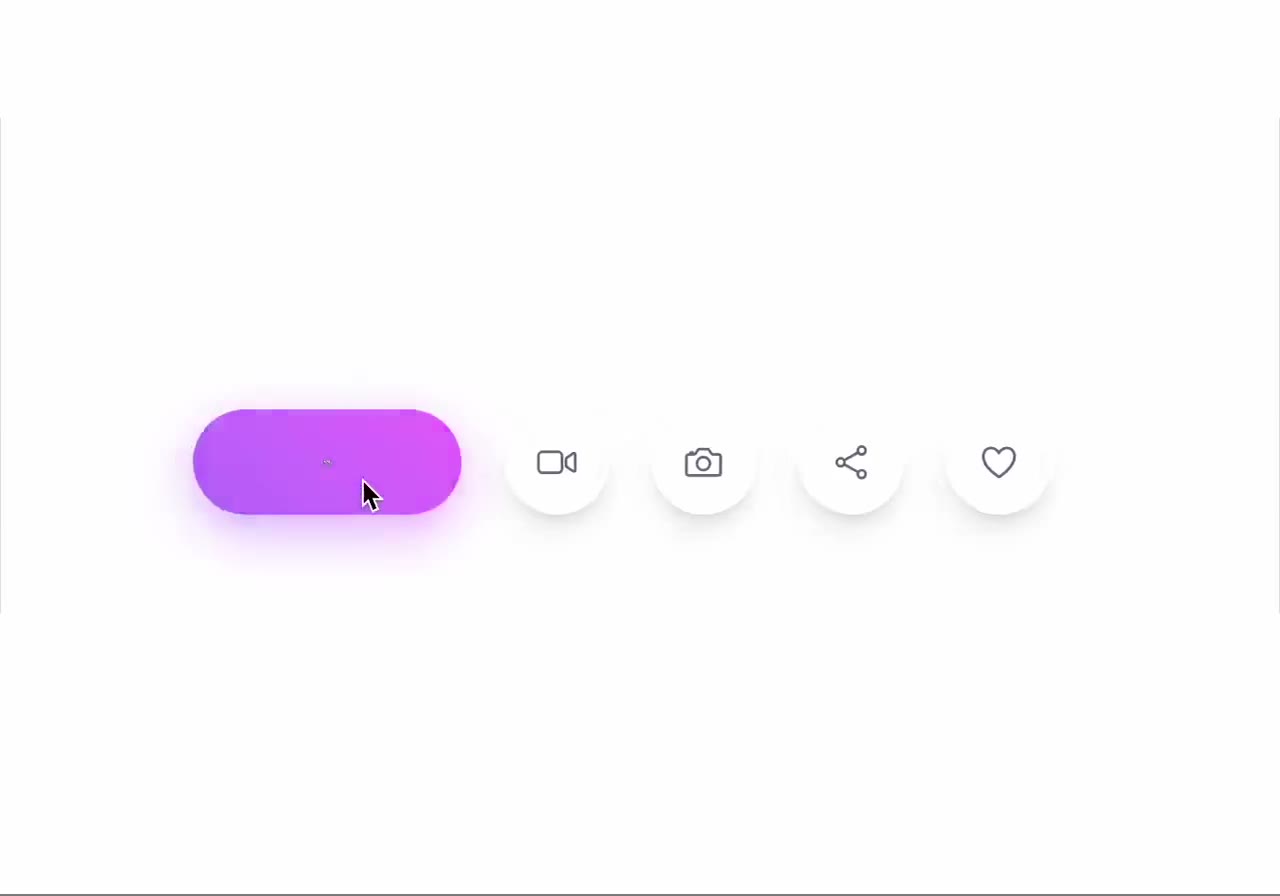
A horizontal row of small round icon buttons (home, video, photo, share, heart). Hovering one makes it widen into a pill filled with its own gradient and a glow, the icon fades out and an uppercase label fades in; neighbors slide to make room.

DESIGN SYSTEM
- White background; buttons 40px circles, white with shadow 0 4px 12px rgba(0,0,0,.08), icon 16px #555.
- Hover pill 110px wide, gradients: blue #56CCF2 to #2F80ED, coral #FF9A8B to #FF6A88, magenta #F857A6 to #FF5858; glow = same gradient blurred 12px below at 50%.
- Label 10px uppercase white, letter-spacing 0.08em.

MOTION
- Width animates 40 to 110px with a spring (400/30); gradient fades in 200ms; icon scale 0 and label opacity 1 with 80ms delay.
- Neighbors move with layout animation.
- Leave reverses.

SECTIONS
- Row of items, each with icon, label, gradient layer, glow layer.
- States: idle, hover, focus, active (stays expanded).

IMPLEMENTATION
- Motion layout + CSS gradients; each item a button with aria-label.
- prefers-reduced-motion: swap the motion for a 150ms opacity change.
- Keyboard: every control focusable with a visible focus ring; same actions with Enter/Space and arrow keys where it makes sense.
- Animate only transform, opacity and filter.

ADAPT TO THE PROJECT
Reuse the project's existing design tokens, components and fonts; map colors to the closest existing tokens. Never copy logos, brand names, photos or illustrations from the original: use placeholders.

SUCCESS CHECK
- Each item expands into its own gradient with its label.
- Neighbors never overlap.
- Focus expands items like hover.